
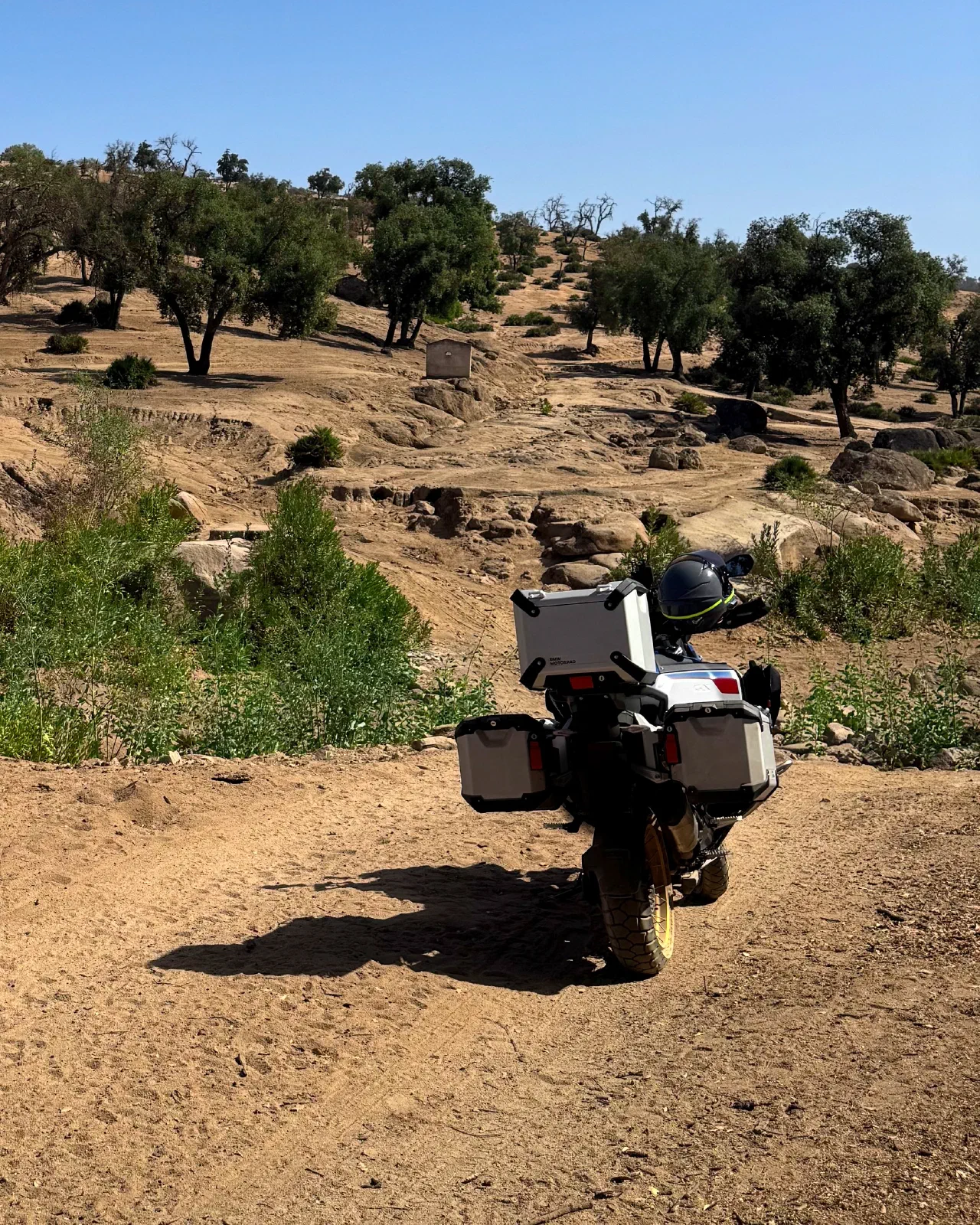
Adventure and touring riders
For the aluminum-case crowd. The Adventure profile prefers gravel and dirt roads to pavement wherever such connections exist, and the routing keeps working where your carrier gave up long ago.
Some riders plan the whole trip down to the hotel. Others decide over breakfast, fresh every morning. Either way, you set a destination, pick a profile and ride the good road at your own pace. With signal, a server that knows what the roads are like does the routing. Without it, the phone keeps calculating on its own: simpler, but dependable.
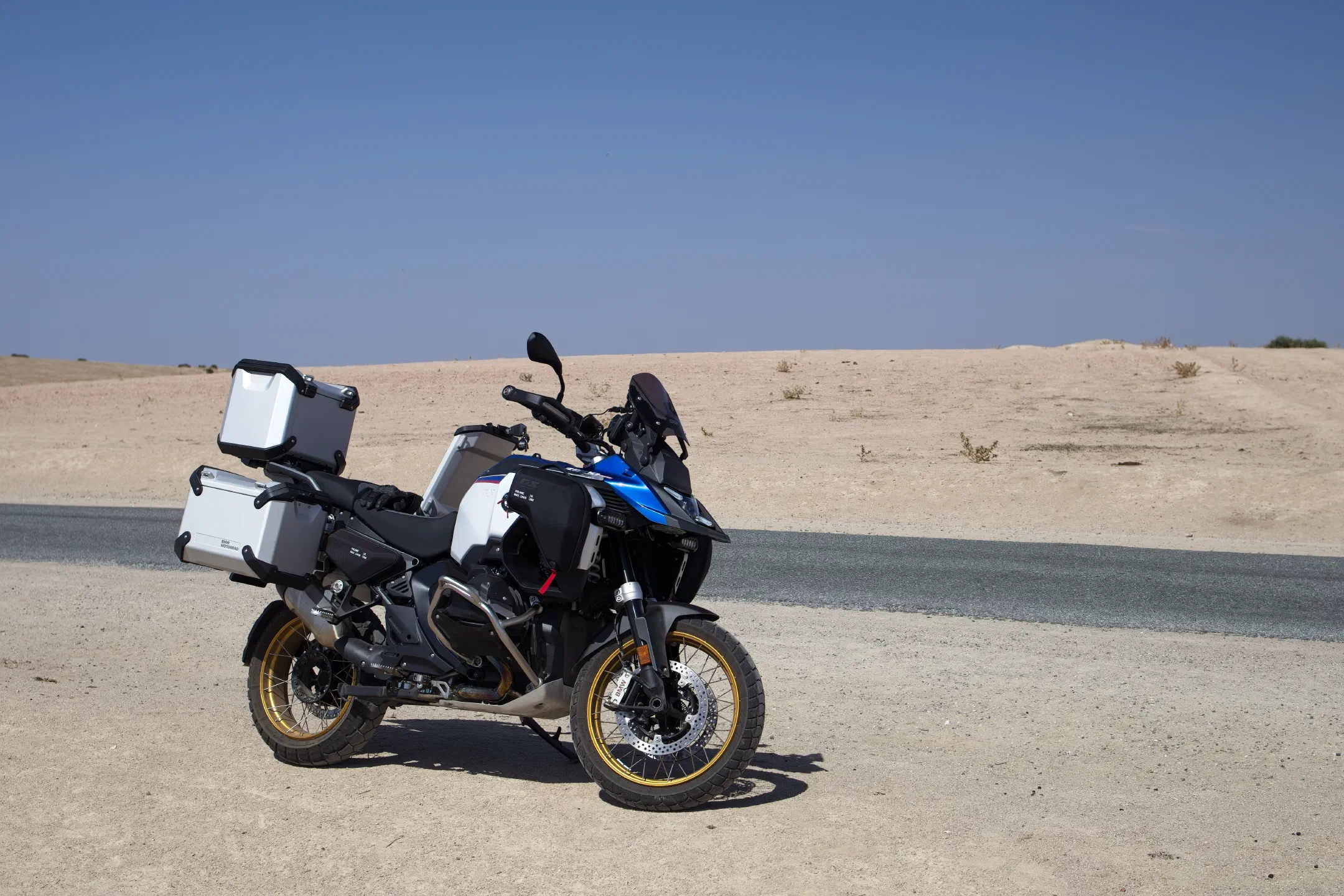
Morocco, edge of the semi-desert: a GS with aluminum cases, and a ribbon of asphalt next to it.
The trip planned in advance down to the last hotel, or decided fresh every morning over breakfast. Pavement or gravel, hotel or tent: either way, it's about enjoying the landscape and the road instead of ticking them off.
For the aluminum-case crowd. The Adventure profile prefers gravel and dirt roads to pavement wherever such connections exist, and the routing keeps working where your carrier gave up long ago.
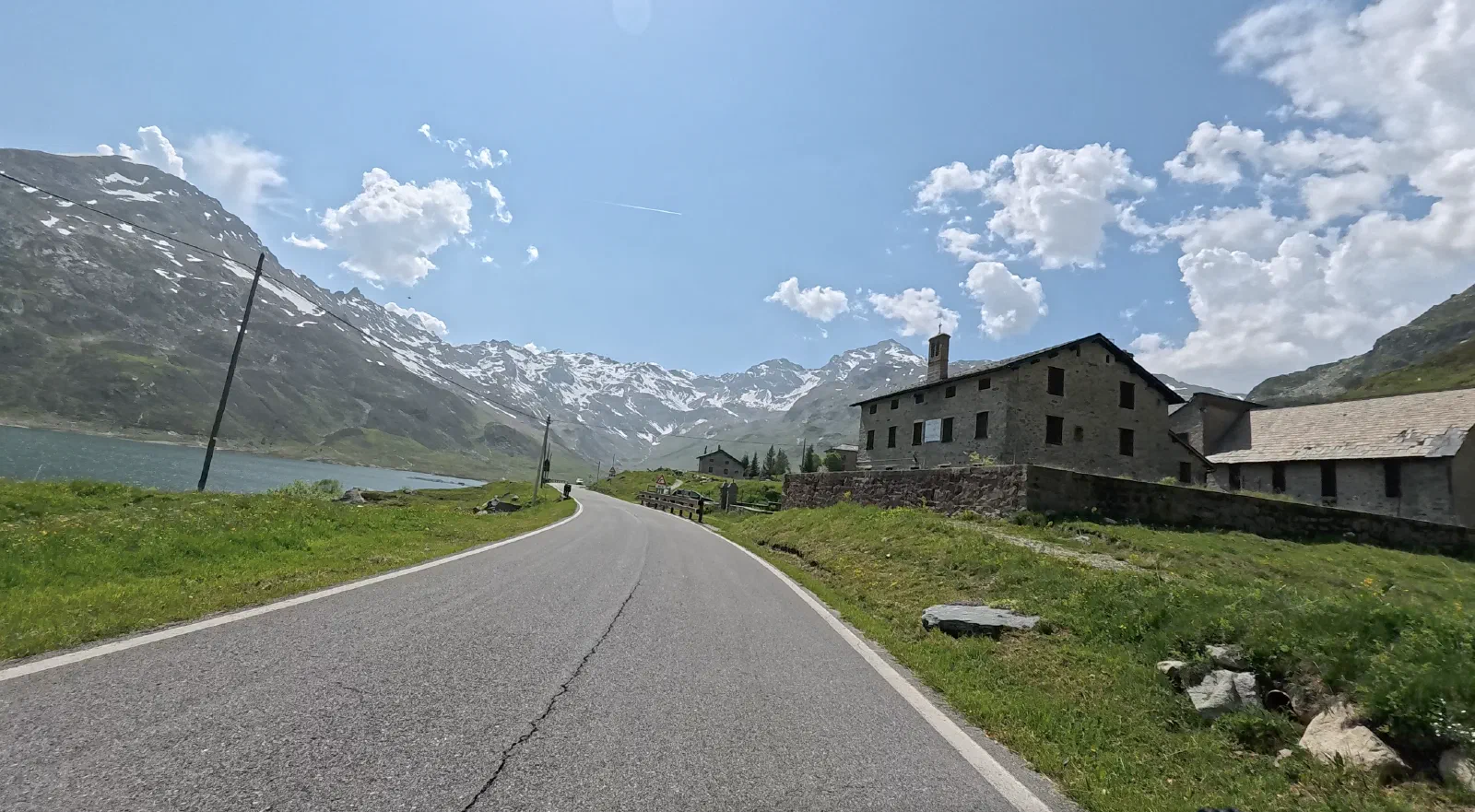
The hotels are booked, the stages are set. You build the trip in the evening on your phone or iPad: waypoints, stops with a wait time, one profile per route. If a day has several sections, say pavement, dirt, pavement, the app moves on to the next one by itself.
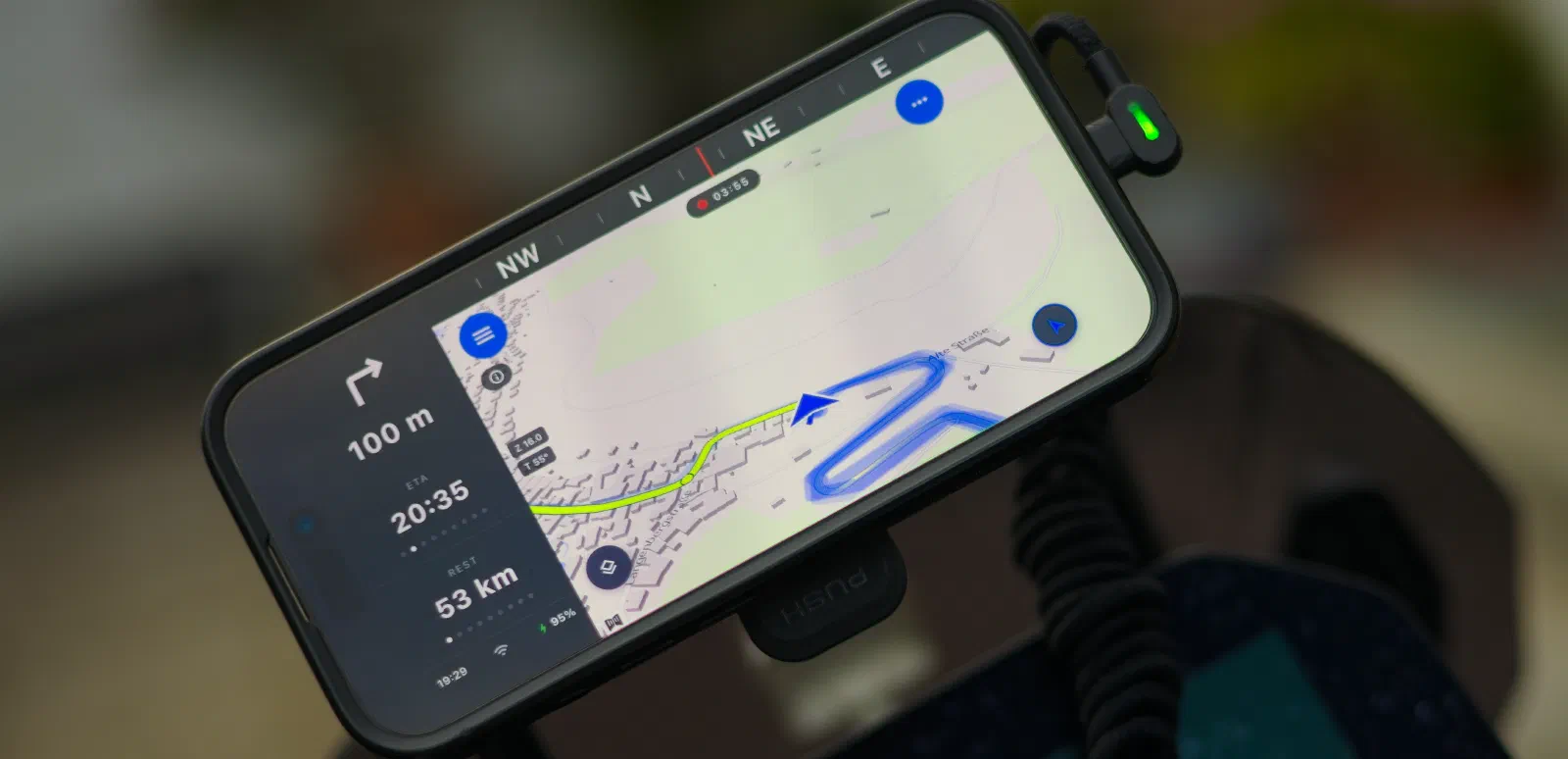
Over breakfast, check the weather and your mood, then tap a destination on the map. Pick a profile, ride off, and the app finds the road in between. No panel, no fine-tuning, no guilty conscience.
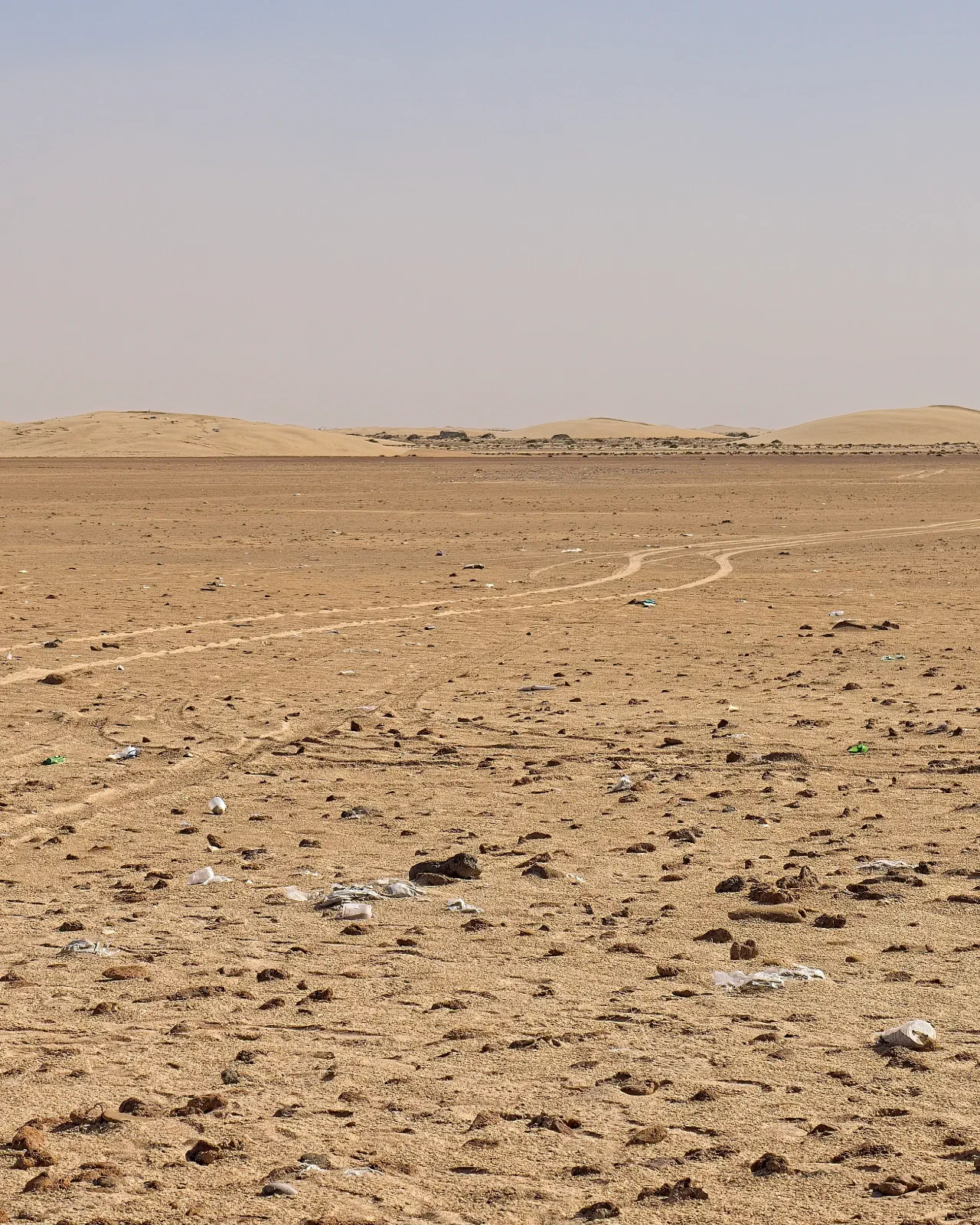
Desert, steppe, dune field - where there's no road, NoRoad takes over: waypoints, bearing, straight line. Direction and distance instead of turn-by-turn. The terrain decides the way. And you.
Screens full of buttons exist elsewhere. We asked what a rider on a long trip actually needs, and built exactly that. Nothing more.
On the map, two roads look the same. On the bike, they don't. With signal, a server that knows more about them does the routing: the class and the surface, the traffic lights on the way, whether the road climbs in hairpins or sweeps in long bends, whether it runs through towns, along the water, or past industry and a quarry. Without signal, the phone does the routing itself: it treats freeways, toll roads and gravel roads the way your profile says, and recalculates where you take a wrong turn.
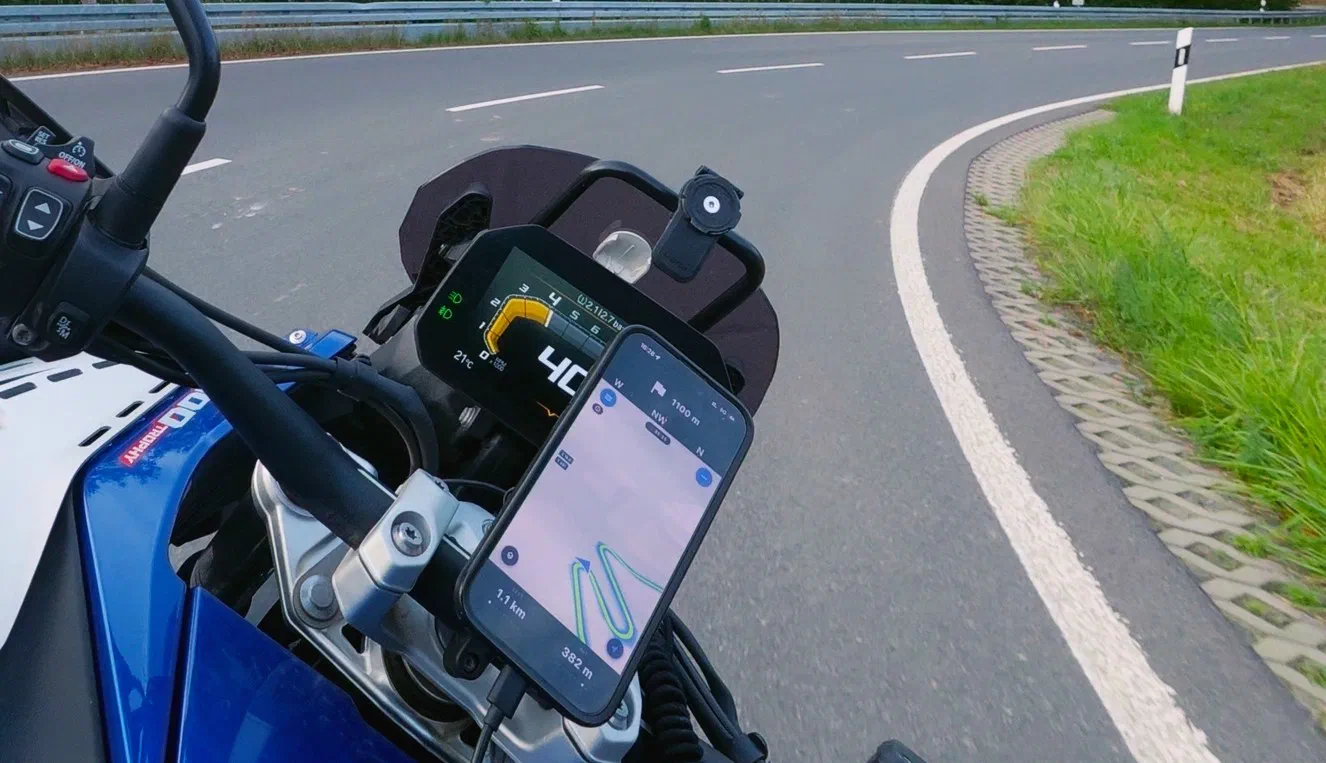
We measured 16 mountain roads: how much your heading turns per kilometer. The south side of the Vršič comes in at 691 degrees, the north side of the Stelvio Pass at 456. Per kilometer, the Vršič turns you half again as much. Turn per kilometer and curve share are also part of what the online route knows about the roads.
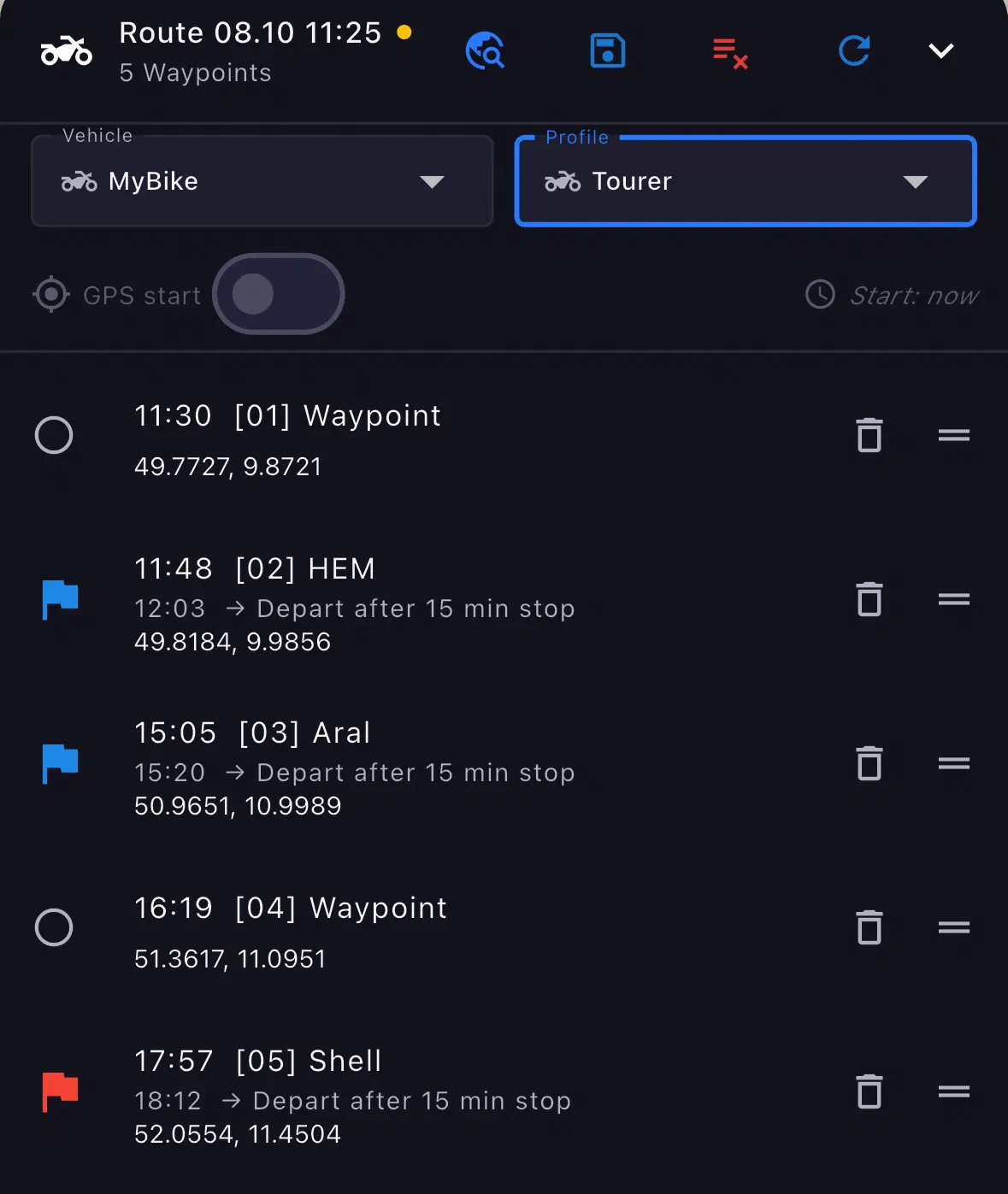
The days sit inside it as entries. A fuel stop and a café are stops with a wait time, and that time is then built into every arrival time. Each route brings its own profile: the ride out as Tourer, the dirt day as Adventure. In the evening you switch one variant off and the other on, depending on what the forecast says. You build all of it on your phone or iPad.
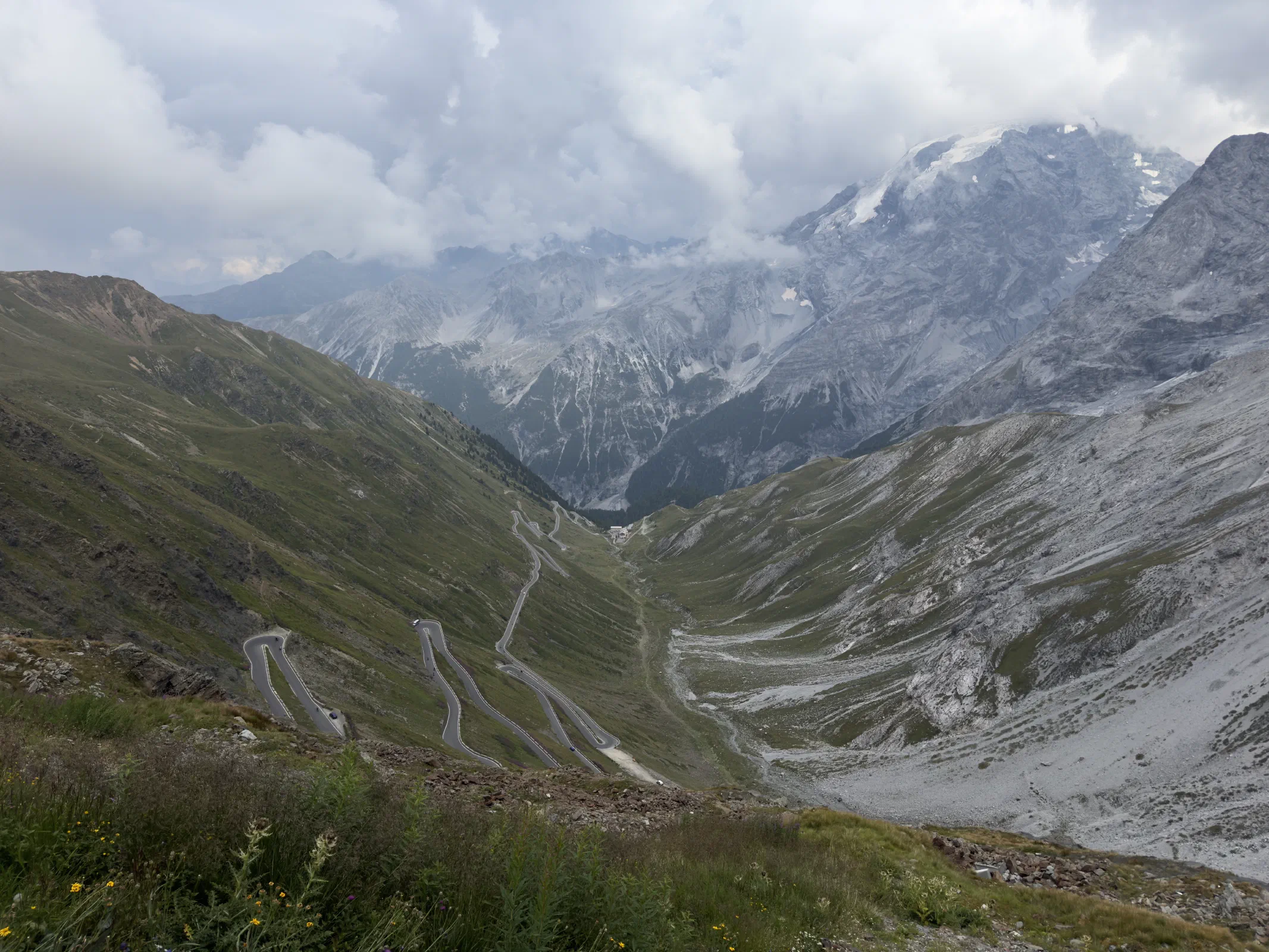
Germany, Austria, Italy in one day, and the map doesn't stop at a single border. Here every country comes from one build: the same data release, the same roads, the same rules, the same routing graph. You download the countries of your trip beforehand, and after that there's no seam in the middle of a corner. And where roaming gets expensive, you switch data off at the border. The navigation doesn't notice.
Five profiles come built in: Schnell, Tourer, Adventure, Adventure Light, Auto. Schnell uses the freeway; Tourer, Adventure and Adventure Light never take it; Adventure prefers gravel and dirt roads to pavement. You pick the profile, the rest is road.
GPX from a forum, from a buddy or from ten years of collected tours opens right in the app. Going out, a tour leaves as a file, not as a link to our server: everyone reads GPX, and .mnav carries the whole recipe with stages, order, waypoint types, profile and POIs. Where it goes from there is up to your phone's share menu.
One QR code, everybody sees each other, go. No registration, no friend requests, no phoning around at the meeting point. If the route changes, it changes for everyone. The host decides how long the group lives: until midnight, 8 or 14 days. After that it's gone. You shared the road, not your identity.
Routes, waypoints, favorite spots: everything lands where you put it. Folders inside folders, as deep as you like, plus projects where a whole tour sits together, the stages and the pass you've been saving up for two years. Others hand you a list. Chronological. Have fun searching in year three.
The map answers exactly one question: what's next? You can follow the voice or ignore it. Then we just recalculate. No fuss, no nagging.
On the iPad the app fills the whole screen, with no black bars around it. The layout is still the phone's, just bigger, and the polish for the large format is still to come. For planning in the evening, the room is already enough.
Nobody sets off to arrive, you set off so something sticks. Every ride of ten kilometers or more lands in your history as a track, with date and breaks. The riding is up to you.
Navigating and recalculating run on the phone, even in the deepest dead zone. With signal you get extra polish on top; without it, you keep riding. Two things still need a connection, and we'll tell you which in a moment.
There's no offline switch, no mode, no question when you set off. The same map, the same buttons, with signal and without. The app takes what's there and switches on the move, in both directions. How would you know in the morning where the bars drop out at noon?
Took a wrong turn where there's been no signal for twenty kilometers? Then the phone recalculates. Simpler than the server and without its eye for the character of the road, but it gets you there.
The first launch needs a connection: the app checks in once, without an account, and fetches the map catalog. After that you download the maps for your trip, ideally over Wi-Fi: big countries weigh several gigabytes. Without a downloaded country the app has no road map and calculates no route there.
The app gets by for up to 30 days without a connection. After that it wants to get online briefly, once, so the full feature set stays. A café with Wi-Fi is enough. Anyone who travels longer than that without signal probably has other worries.
No account, no name, no email: the app knows you as a random number. Everything beyond that is an offer, not a requirement.
Install, ride. No registration, no password to forget, no likes, no followers. No banner over the map, no analytics library reading along on the side.
Your rides stay on the phone until you explicitly agree to send them. Say no and nothing changes: same app, same maps. Error reports are just as voluntary. You can flip either one in the settings any day. Switching it off doesn't pull back what's already been uploaded.
Around home you can draw a privacy zone: the app doesn't write down a position there. And what you share leaves as a file, through your phone's share menu, with no link and without us finding out.
Some are putting the bike away, we're unpacking. Pro is available to everyone - where the season never ends, right away; everywhere else as a winter project. We'll use the time for the polish, you for the planning.


Photos and screenshots show the app with map data © OpenStreetMap contributors, available under the Open Database License.